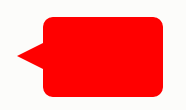
CSS3制作气泡对话框的实例教程
作者:互联网
2026-03-30
 HTML教程
创建一个100%CSS的气泡,我们从下面的标记考试。
XML/HTML Code复制内容到剪贴板- <divclass="speech-bubble">Hithere!div>
接下来,应用一些基本样式。
CSS Code复制内容到剪贴板- .speech-bubble{
- position:relative;
- background-color:#292929;
- width:200px;
- height:150px;
- line-height:150px;/*垂直居中*/
- color:white;
- text-align:center;
- }
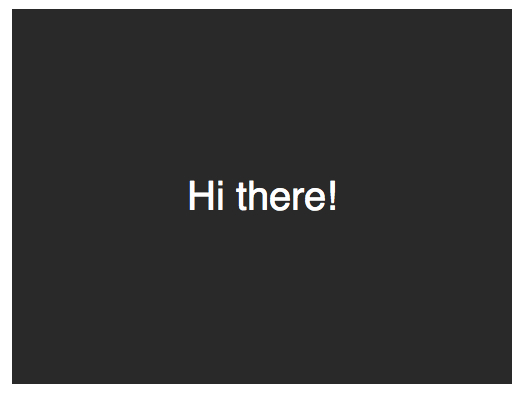
箭头将通过after伪元素实现。
CSS Code复制内容到剪贴板- .speech-bubble:after{
- content:'';
- }
- :before和:after伪元素可以用来在元素内容之前或之后插入生成内容。接下来,只是简单复制箭头,并定位到适当的位置。我们开始通过绝对定位的内容,重置宽度和高度,并应用边界颜色。
- .speech-bubble:after{
- content:'';
- position:absolute;
- width:0;
- height:0;
- border:10pxsolid;
- border-color:redgreenblueyellow;
- }
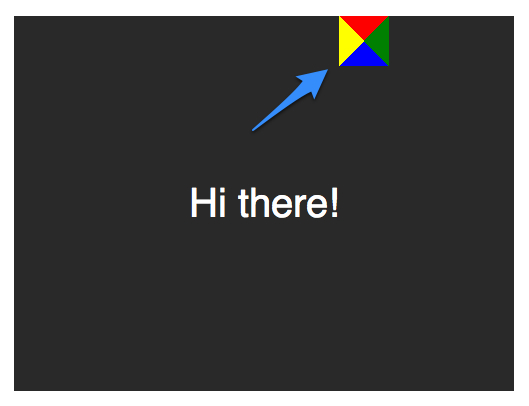
因为我们知道我们想要向下的箭头,上面的图片表明,除了红色(或上)边境其他的都应该被省略,或者设置为透明。
CSS Code复制内容到剪贴板- .speech-bubble:after{
- content:'';
- position:absolute;
- width:0;
- height:0;
- border:10pxsolid;
- border-top-color:red;
- }
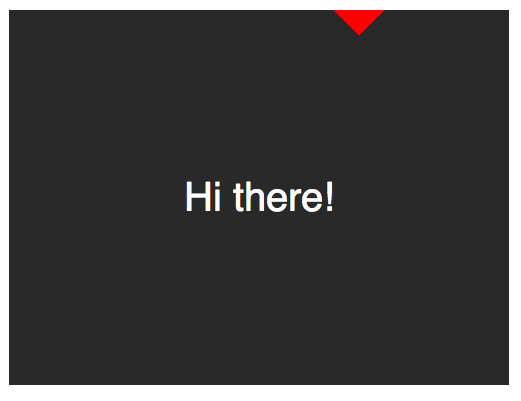
当创建CSS形状是,因为我们不能使用width属性来指定箭头的宽度,而是应该使用border-width属性。在这种情况下,箭头应该更大点;所以border-width可以增加到15px。我们将箭头定位到容器的底部居中,通过利用top和left属性。
CSS Code复制内容到剪贴板- .speech-bubble:after{
- content:'';
- position:absolute;
- width:0;
- height:0;
- border:15pxsolid;
- border-top-color:red;
- top:100%;
- left:50%;
- }
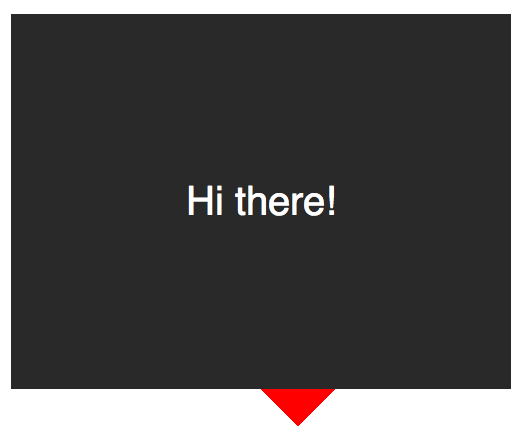
到这里就差不多了;最后一个步骤是更新箭头的颜色和容器的背景颜色相同。定位也需要修改,根据边界的宽度(15 px)。当我们在这里,我们还将应用一个微妙border-radius属性来使容器更像气泡。
CSS Code复制内容到剪贴板- .speech-bubble{
- /*…其他样式*/
- border-radius:10px;
- }
- .speech-bubble:after{
- content:'';
- position:absolute;
- width:0;
- height:0;
- border:15pxsolid;
- border-top-color:#292929;
- top:100%;
- left:50%;
- margin-left:-15px;/*调整边框宽度*/
- }
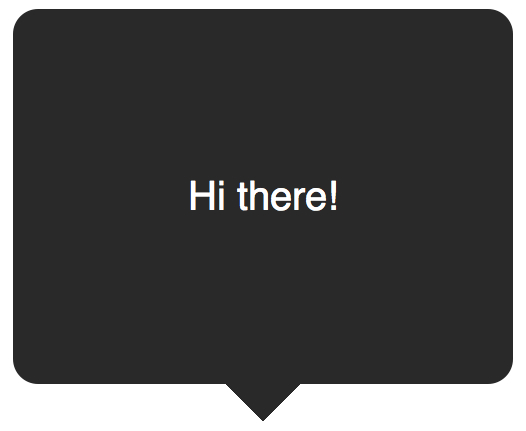
不错,不是吗?将这代码抽象为几个可重用的类,好应用到你将来的项目。
CSS Code复制内容到剪贴板- /*
- 对话气泡
- 用法:使用.speech-bubble和.speech-bubble-DIRECTION类
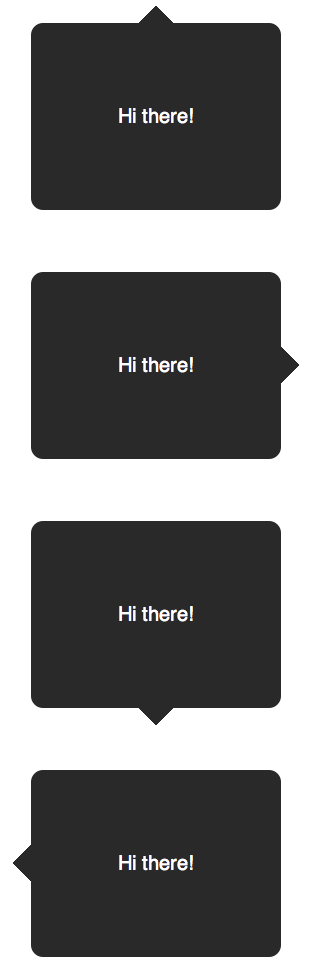
补充:更好的垂直居中使用line-height实现垂直居中的一个缺点是仅限于一行。当文本需要两行或两行以上时,每一行的高度将会太大。一个聪明的解决办法是设置气泡的display属性为table,和包装段落文本的display为table-cell。这就允许我们将文本设为垂直居中。
XML/HTML Code复制内容到剪贴板- <divclass="speech-bubblespeech-bubble-top">
- <p>Textgoeshere.p>
- div>
接下来,修改CSS。
CSS Code复制内容到剪贴板- .speech-bubble{
- /*其他样式*/
- display:table;
- }
- .speech-bubblep{
- display:table-cell;
- vertical-align:middle;
- }
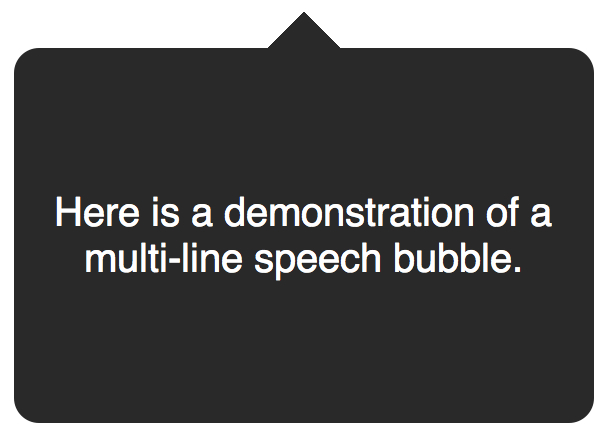
如果引用display: table 带来可怕的表格布局的老式回忆,别担心。这些属性是指显示一个元素的样式。我们不局限于三角形;CSS能产生各种各样的形状,甚至心和生物危害标志!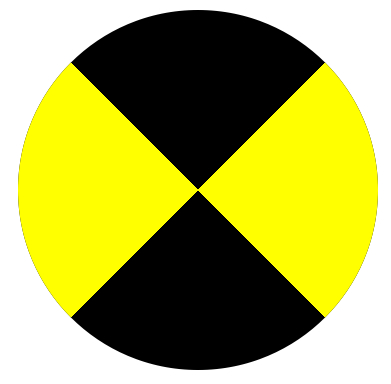
- .biohazard{
- width:0;height:0;
- border:60pxsolid;
- border-radius:50%;
- border-top-color:black;
- border-bottom-color:black;
- border-left-color:yellow;
- border-right-color:yellow;
- }
相关推荐