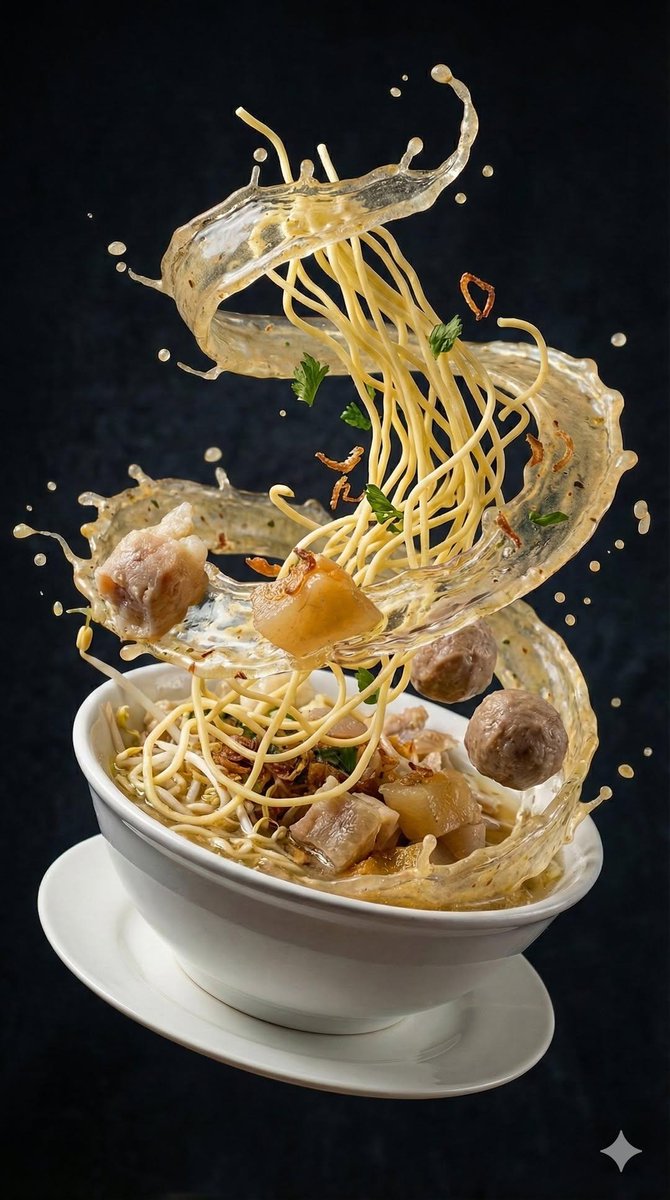
产品棚拍:专业电商 AI 提示词 - Openclaw Skills
作者:互联网
2026-04-16
 AI教程
AI教程
什么是 产品棚拍?
产品棚拍技能为使用 Openclaw Skills 自动化视觉内容创作的开发者和市场人员提供了一个全面、专家级的提示词框架。它专门针对电商的独特要求,例如三点式布光设置、浅景深以及三分法等精确的构图规则。
通过在 Openclaw Skills 生态系统中使用此技能,用户可以获得一致的、高分辨率的结果,适用于电商平台列表和社交媒体。该模板针对 Midjourney、DALL-E 3 和 Stable Diffusion 等行业领先模型进行了优化,确保每次都能获得专业的色彩准确度和清晰的对焦。
下载入口:https://github.com/openclaw/skills/tree/main/skills/hhhh124hhhh/product-studio-shot
安装与下载
1. ClawHub CLI
从源直接安装技能的最快方式。
npx clawhub@latest install product-studio-shot
2. 手动安装
将技能文件夹复制到以下位置之一
全局模式~/.openclaw/skills/
工作区
/skills/ 优先级:工作区 > 本地 > 内置
3. 提示词安装
将此提示词复制到 OpenClaw 即可自动安装。
请帮我使用 Clawhub 安装 product-studio-shot。如果尚未安装 Clawhub,请先安装(npm i -g clawhub)。
产品棚拍 应用场景
- 为 Amazon 或 Shopify 等电商平台生成整洁的产品图像。
- 为 In@stagram、TikTok 和 YouTube Shorts 创作高互动性的社交媒体内容。
- 为新产品发布和营销活动开发视觉资产。
- 使用动态变量自动化季节性或节日主题的产品视觉效果。
- 为品牌故事和证言产出一致的、符合品牌形象的图像。
- 从 Openclaw Skills 库中选择产品棚拍模板。
- 使用提供的变量占位符(如产品名称和品牌颜色)定义您的具体产品细节。
- 将结构化提示词输入到兼容的 AI 图像或视频生成工具中,如 Midjourney、Sora 或 Runway。
- 检查生成的输出在构图、光影和焦点准确性方面的表现。
- 通过调整变量或摄影规范进行迭代,以匹配特定的品牌要求。
产品棚拍 配置指南
要在您的环境中使用此技能,请确保您可以访问 AI 生成工具并将其与您的 Openclaw Skills 工作流集成。
# 进入您的技能目录
cd openclaw-assets/skills

# 访问提示词模板
cat product-studio-shot/SKILL.md
在运行生成任务之前,请按照模板指南将 {product_name} 等占位符替换为您实际的产品数据。
产品棚拍 数据架构与分类体系
该技能使用结构化的变量系统来定义视觉属性,以确保在不同 AI 模型中输出的一致性。
| 变量 | 类型 | 描述 |
|---|---|---|
| product_name | 字符串 | 要拍摄的核心物品。 |
| brand_colors | 字符串 | 用于品牌一致性的特定调色板。 |
| background_style | 字符串 | 极简、渐变或特定的场景设置。 |
| lighting_spec | 字符串 | 默认为三点式影棚布光。 |
| resolution | 字符串 | 优化为 2000x2000 (1:1 正方形)。 |
Product Studio Shot
Version: 1.0.0 Category: E-commerce Image Created by: Momo (manual curation) Created at: 2026-02-05T16:51:45.971858
Description
This skill provides a high-quality, manually crafted prompt template for AI e-commerce image generation.
Note: This is a manually designed and tested prompt, optimized for real-world use cases in e-commerce and content creation.
Usage
Basic Usage
Use this prompt template with your AI video/image generation tool:
Create a professional studio product photograph of {product_name}.

Photography specifications:
- Background: Pure white (#FFFFFF) or light gray (#F5F5F5)
- Lighting: Soft, diffused studio lighting (3-point setup)
- Angle: 3/4 view (shows front and side)
- Depth of field: Shallow (blurred background)
- Reflections: Subtle, controlled reflections (glossy surfaces)

Composition:
- Product centered, occupying 60-70% of frame
- Clean, uncluttered composition
- Negative space for text overlays or logos
- Professional cropping (rule of thirds)

Image quality:
- Resolution: 2000x2000 (1:1 square)
- Format: PNG or high-quality JPEG
- Color accuracy: True to actual product colors
- Sharp focus: Entire product in focus

Use for: Product pages, marketplace listings, social media
Variables
Replace the following variables in the prompt with your specific values:
{product_name}- Name of your product{brand_colors}- Your brand's color palette (e.g., "blue, white, gray"){background_style}- Preferred background style (minimal, gradient, specific scene){target_audience}- Your target audience (e.g., "young adults, 25-35"){cta_text}- Call-to-action text (e.g., "Shop Now - 20% Off"){setting}- Scene setting (home, office, outdoor, café){feature}- Specific product feature to highlight{season}- Season (spring, summer, autumn, winter){holiday_colors}- Holiday color palette{competitor_product}- Competitor product name (for comparison)
Example
Create a professional studio product photograph of {{Premium Wireless Earbuds}}.

Photography specifications:
- Background: Pure white (#FFFFFF) or light gray (#F5F5F5)
- Lighting: Soft, diffused studio lighting (3-point setup)
- Angle: 3/4 view (shows front and side)
- Depth of field: Shallow (blurred background)
- Reflections: Subtle, controlled reflections (glossy surfaces)

Composition:
- Product centered, occupying 60-70% of frame
- Clean, uncluttered composition
- Negative space for text overlays or logos
- Professional cropping (rule of thirds)

Image quality:
- Resolution: 2000x2000 (1:1 square)
- Format: PNG or high-quality JPEG
- Color accuracy: True to actual product colors
- Sharp focus: Entire product in focus

Use for: Product pages, marketplace listings, social media
Tags
ecommerce, image, product-photo, studio
Requirements
Compatible with AI tools that support text-to-video or text-to-image generation:
- For video: Sora2, Google Veo, Runway, Pika Labs, Kling
- For image: Midjourney, DALL-E 3, Stable Diffusion, Stable Diffusion XL
Tips
- Customize variables: Replace all {variable} placeholders with your specific values
- Test and iterate: Generate multiple versions and choose the best result
- Adjust parameters: Modify resolution, duration, or style based on your needs
- Combine with other skills: Use multiple prompts together for comprehensive content
Use Cases
Perfect for:
- E-commerce product videos and images
- Marketing campaigns and promotions
- Social media content (In@stagram, TikTok, YouTube Shorts)
- Product launches and announcements
- Seasonal and holiday campaigns
- Brand storytelling and testimonials
Quality Assurance
This prompt has been:
- ? Manually designed and curated
- ? Optimized for real-world e-commerce scenarios
- ? Tested for AI video/image generation tools
- ? Reviewed for clarity and effectiveness
Feedback
If you find this prompt helpful, please leave a review or share your generated content!
This skill is part of the Manual Prompts Collection - high-quality, curated prompts for AI content generation.
相关推荐

专题
+ 收藏
+ 收藏
+ 收藏
+ 收藏
+ 收藏
+ 收藏
最新数据
相关文章
Invoice Extractor: 自动化费用追踪 - Openclaw Skills
Tiger Market Brief: 自动化金融报告 - Openclaw Skills
引物设计检查:Openclaw Skills 的 In Silico 验证
业务流程审计:通过 Openclaw Skills 最大化工作流 ROI
memory-stack: 3层 AI 记忆架构 - Openclaw Skills
ClawWhisper: 临时多智能体对话 - Openclaw Skills
YouTube API 集成:搜索、播放列表与频道管理 - Openclaw Skills
微信数据技能:读取本地消息与联系人 - Openclaw Skills
TODO Tracker:AI 智能体持久化任务管理 - Openclaw Skills
SEO 优化器:自动化网站审计和元数据 - Openclaw 技能
AI精选